

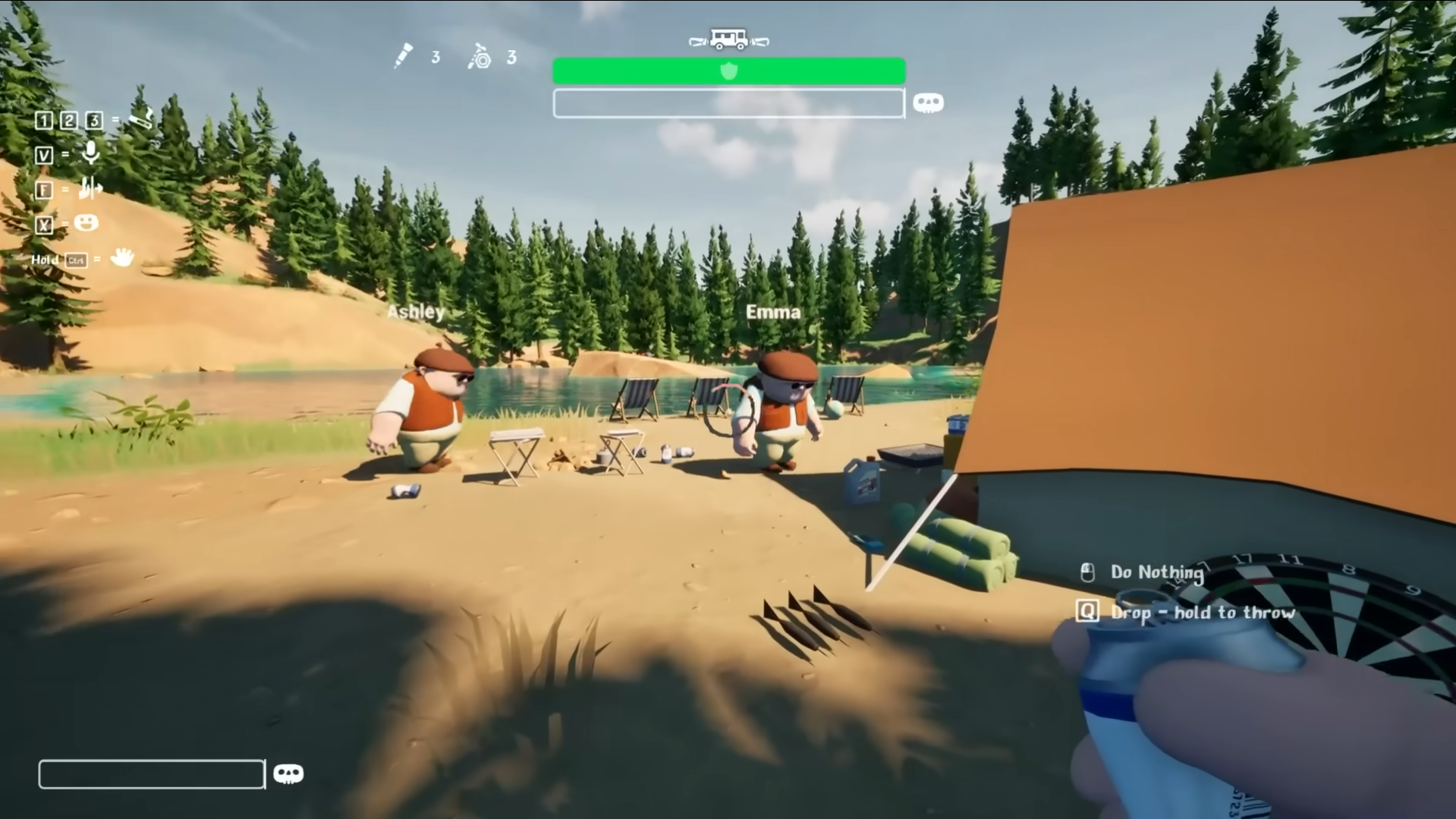
If your microphone isn’t working in RV There Yet, there are a few possible reasons: the game’s VOIP is buggy, system settings may be interfering, or other software could be blocking the mic. This guide shares easy fixes with steps anyone can follow, even without much tech knowledge.
Quick Mic Fixes in RV There Yet
Go into RV There Yet’s Settings and select Audio. Pick your microphone and drag the volume slider all the way up. Check your computer or Steam to see that the right input device is selected, and turn the microphone gain higher if your voice sounds quiet.
Switch on or move any VOIP option in the game, like the range slider; even a small change often restarts voice chat instantly.
If your voice chat goes silent or stops during play, open the game menu and adjust a VOIP setting. Restart the game if nothing changes, since this usually sets things back to normal again. For the most reliable audio, choose a wired headset instead of wireless, since wireless headsets can lose connection more often with this game.
Avoid skipping out to your desktop during play by pressing Alt-Tab, since moving away from the game screen makes mic problems happen more often.
Stick with these steps every time the mic glitches or cuts out, and you should always be able to keep chatting with your group.